
Download SaveTik - Video Downloader – TikTok video downloader, no watermark, high-resolution video, batch download, privacy-focused, offline viewing, video library, content saving tool, mobile utility, Android app
Overview
SaveTik - Video Downloader is a mobile utility designed to simplify the process of saving TikTok videos for offline viewing. The app enables users to download content from TikTok without watermarks, preserving the original visual quality. This functionality is particularly useful for individuals who want to archive their favorite videos, create personal collections, or share content without relying on an internet connection. Whether you're a casual viewer or a content enthusiast, SaveTik offers a streamlined solution for managing TikTok content beyond the platform’s native limitations.
The app targets users who value privacy, efficiency, and high-quality media storage. Its privacy-focused design ensures that all downloads are processed locally on the device, minimizing exposure to external servers or third-party tracking. This approach enhances data security, making it a trusted choice for users concerned about digital privacy. Real-world use cases include saving educational clips, preserving viral moments, or building curated video libraries for personal or professional use.
As part of the growing productivity category on Android, SaveTik fills a niche gap by offering a dedicated tool for content preservation. While the developer, SaveTik, did not provide additional background details, the app’s functionality suggests a focused development approach centered on user experience and technical reliability. In the broader app ecosystem, tools like SaveTik play a vital role in empowering users to take greater control over their digital content consumption.
Key Features & Functionality
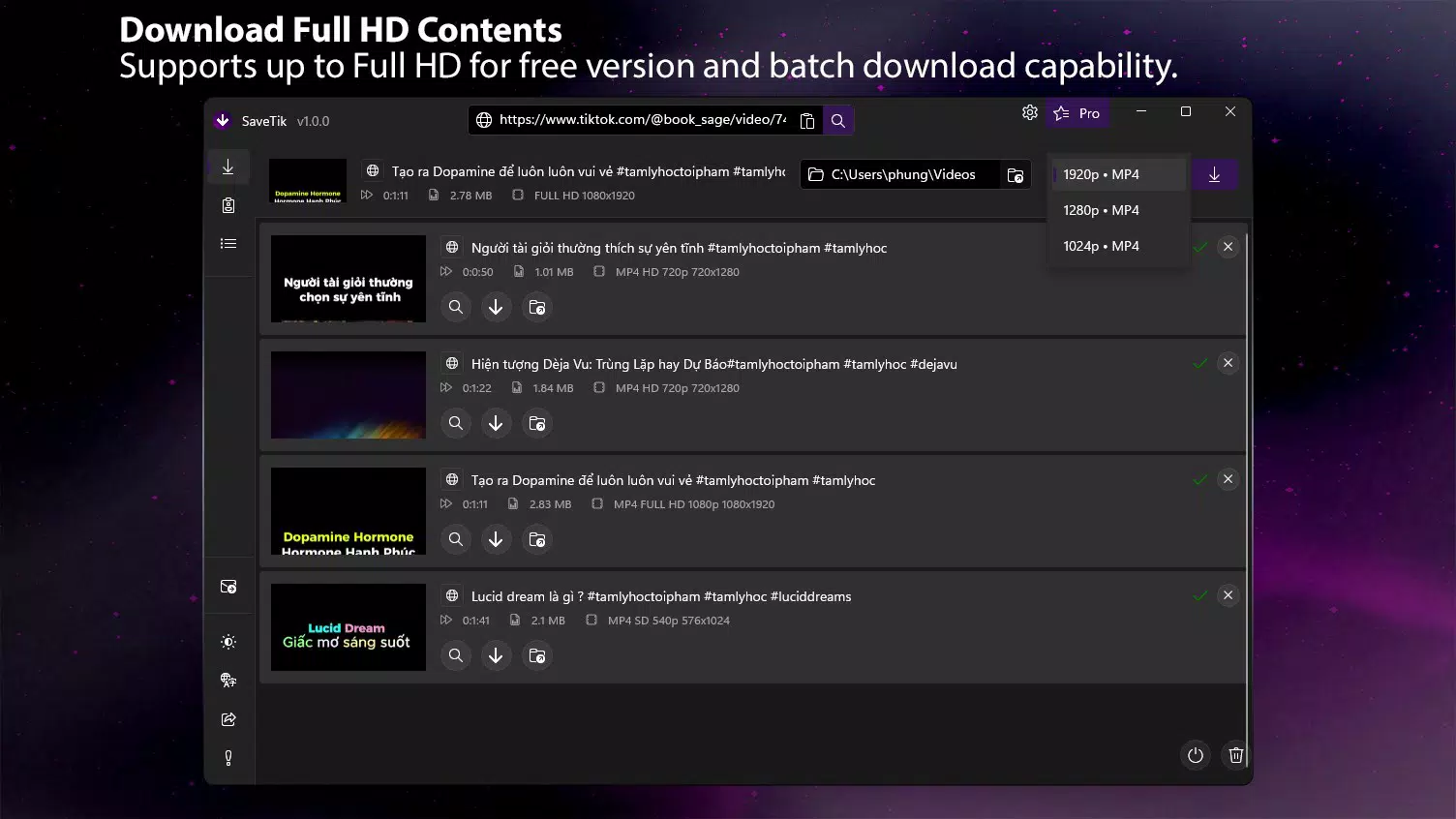
- High-Quality Downloads: SaveTik supports video downloads in resolutions up to 1080p Full HD, ensuring that the original clarity of TikTok content is maintained. This is ideal for users who want to view videos on larger screens or in high-definition environments without degradation in quality.
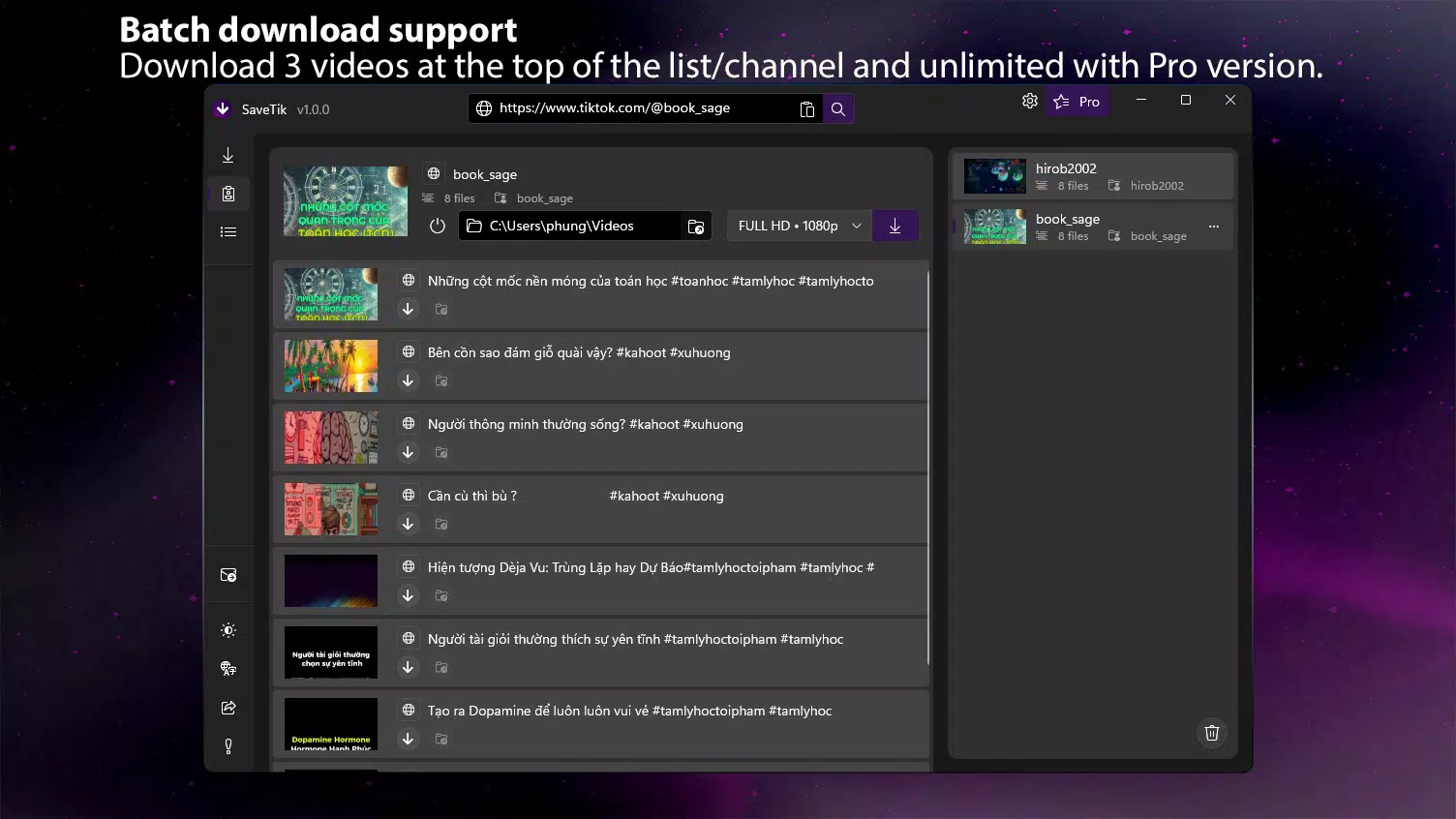
- Batch Downloads: The app allows users to download multiple videos simultaneously, significantly reducing the time required to build a video library. This feature is especially beneficial when saving entire playlists, trending series, or content from a specific creator.
- Flexible Quality Options: With resolution choices ranging from 240p to 16K, users can adjust video quality based on storage capacity, bandwidth, or viewing preferences. Lower resolutions help conserve space, while higher settings deliver optimal visual fidelity.
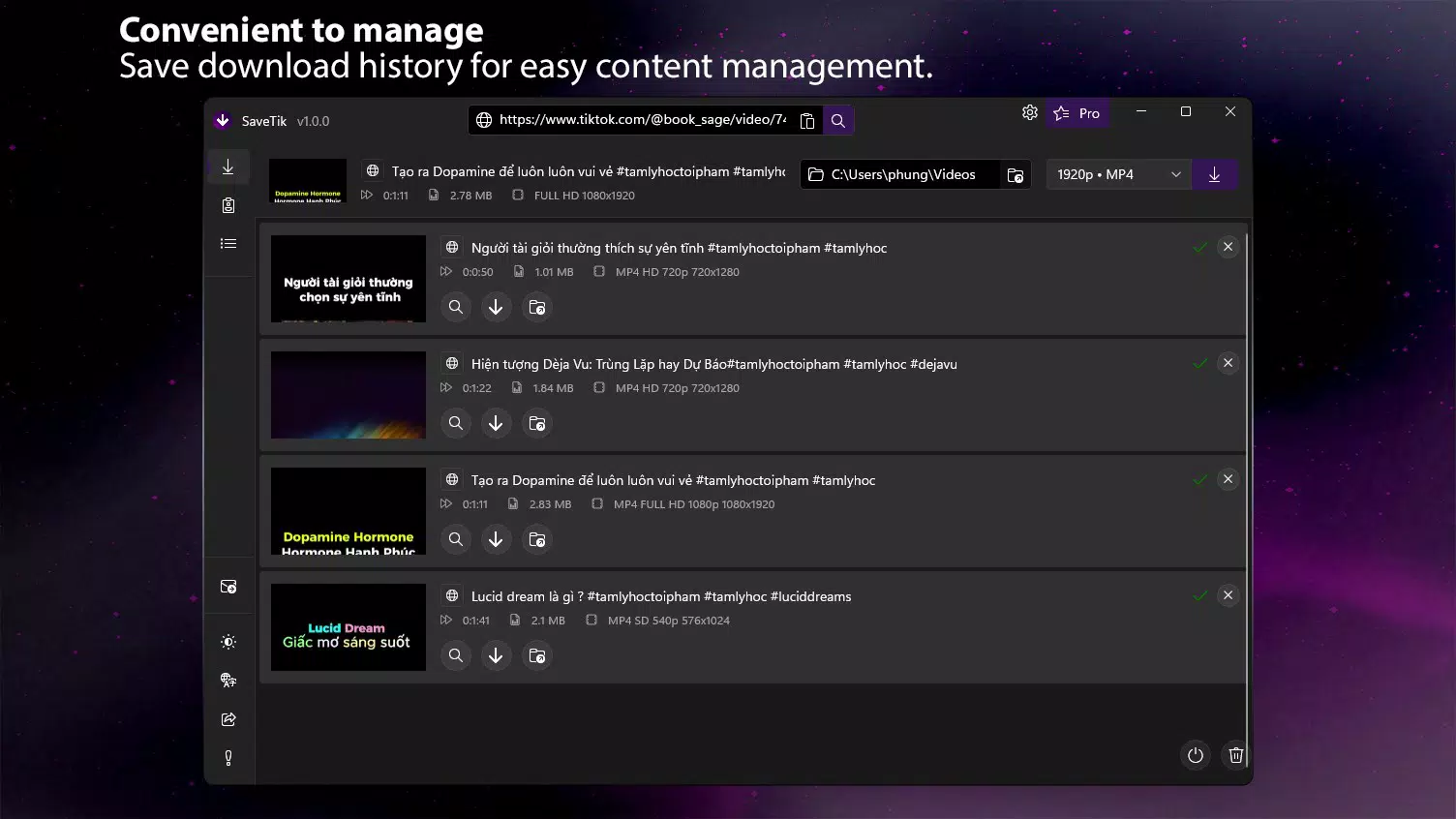
- Download History Tracking: A built-in history feature enables users to quickly access previously downloaded videos. This enhances usability by eliminating the need to manually locate files, streamlining the rewatching process.
- Privacy-Guaranteed Processing: All downloads are handled directly on the user’s device. No data is uploaded to remote servers, ensuring that personal viewing habits and downloaded content remain confidential and secure.
For example, a student might use the app to download educational TikTok videos for offline study sessions. A content creator could save competitor highlights for inspiration, while a family member might preserve viral moments from loved ones. These practical applications highlight the app’s versatility and real-world value.
Interface, UX & Performance
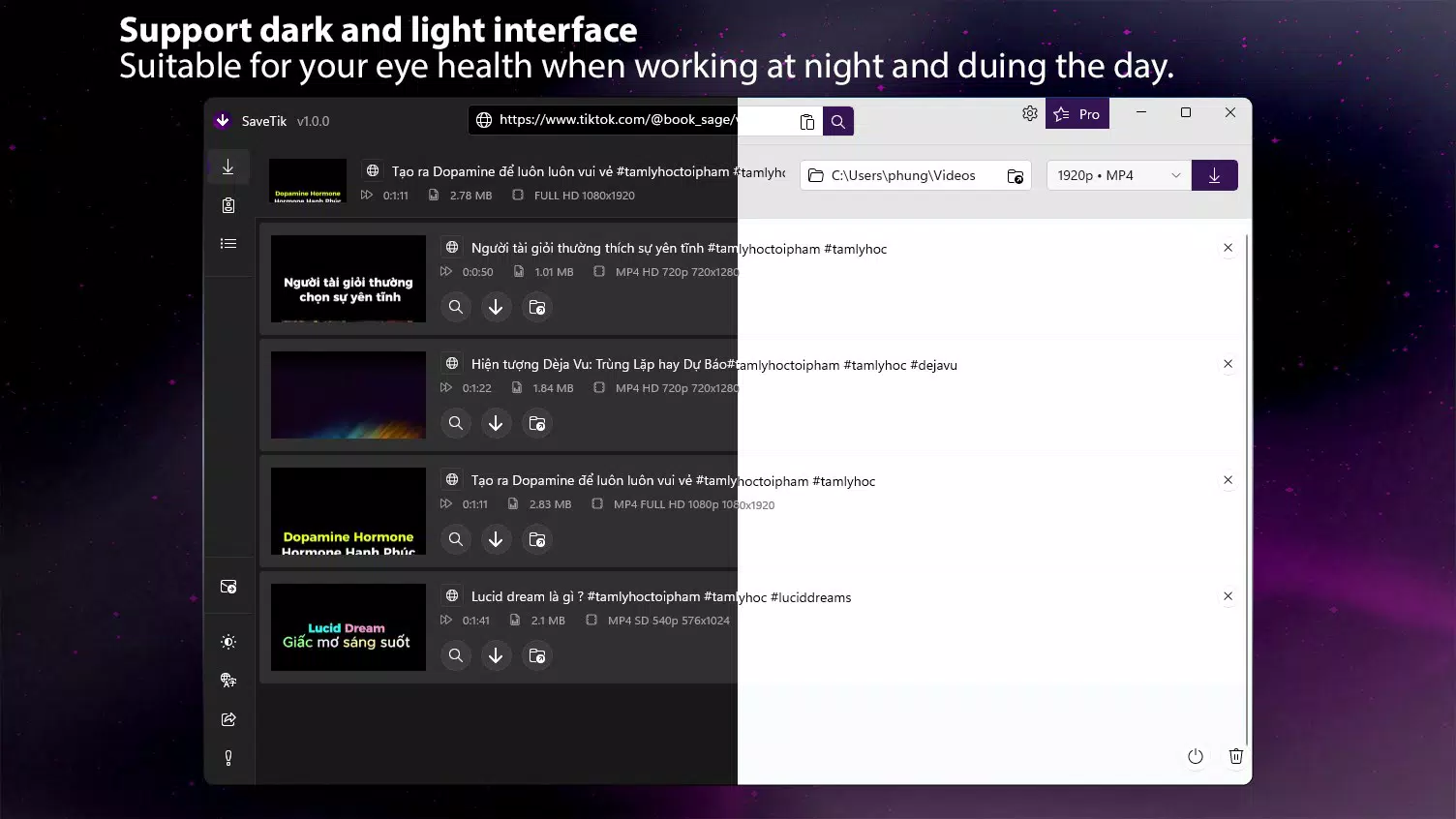
SaveTik features a clean and intuitive interface designed for ease of use. The layout prioritizes core functions—such as video URL input and download initiation—making the process straightforward even for non-technical users. Navigation is linear and consistent, minimizing user confusion during the download workflow.
The visual style is minimalistic, focusing on functionality without unnecessary distractions. Buttons are clearly labeled, and feedback is provided during download progress, helping users track completion status. The app responds promptly to inputs, with minimal lag observed during standard operations.
Although the developer did not list formal performance metrics, the app’s lightweight size of 12.3 MB suggests efficient resource usage. It is likely optimized for a wide range of Android devices, including mid-tier and older models. Responsiveness remains stable across different screen sizes and orientations, and the app maintains stability during extended use.
Users can expect consistent performance when handling single or multiple downloads, with no reported crashes or freezes in the available data. The app’s design supports smooth transitions between screens and maintains functionality even under moderate system load.
Platform Compatibility & Technical Requirements
SaveTik - Video Downloader is available exclusively for Android devices. The current version is 1.8.4, with a file size of 12.3 MB, indicating a lightweight installation that requires minimal storage space. The app is free to download and use, making it accessible to a broad audience.
While the developer did not specify minimum OS requirements, the app’s compatibility with a wide range of Android devices is likely due to its compact size and efficient architecture. It is expected to function on devices running Android 6.0 and above, though this has not been confirmed. The app does not require root access or special permissions, enhancing its accessibility and safety profile.
Users should ensure their device meets standard Android requirements for app installation. The absence of detailed technical specifications means that compatibility with specific hardware or newer Android versions cannot be verified. However, the app’s design suggests broad adaptability across mainstream Android smartphones and tablets.
Pros and Cons
Pros
- Supports high-resolution video downloads up to 1080p Full HD
- Enables batch downloads for faster content collection
- Offers flexible quality settings from 240p to 16K
- Processes all downloads locally, ensuring user privacy
- Lightweight size (12.3 MB) with no in-app purchases
Cons
- Developer did not provide detailed system requirements
- Platform availability is limited to Android only
- Specific update frequency or future roadmap not disclosed
- No official integration with TikTok’s API or official support
- Compatibility with newer Android versions not confirmed
FAQ
Is SaveTik - Video Downloader safe to use?
The app is designed with privacy in mind, processing all downloads directly on the user’s device. No data is sent to external servers, reducing the risk of exposure. However, users should always download apps from trusted sources to avoid potential security threats.
Can I download TikTok videos without a watermark?
Yes, SaveTik is specifically designed to remove watermarks during the download process, allowing users to save clean, unmarked videos for offline viewing.
Does SaveTik require internet access after downloading?
Once a video is downloaded, it can be viewed offline without any internet connection. The app only requires internet access during the download phase to retrieve the video from TikTok.
Is SaveTik available on iOS?
Currently, the app is only available for Android devices. There is no official iOS version released as of the latest update.
How often is SaveTik updated?
The developer has not disclosed the update schedule. Users are advised to check for updates manually through the app store or official channels.
Final Thoughts
SaveTik - Video Downloader stands out as a reliable, privacy-conscious tool for Android users seeking to preserve TikTok content. Its combination of high-quality downloads, batch processing, and local data handling makes it a valuable asset for anyone who values control over their digital media. The app’s lightweight design and free access further enhance its appeal, offering a seamless experience without compromising on performance.
While it is limited to Android and lacks official API integration, its core functionality remains robust and user-focused. Ideal for students, content curators, and casual viewers alike, SaveTik delivers strong value in the mobile utility space. If you're looking to build a personal video library, enjoy content offline, or simply keep your favorite TikTok moments safe, this app is a must-have.
Download SaveTik - Video Downloader now


